IPTV for beginners
New to IPTV? The easiest way to start is to choose a plan, install an app on a device you already own and log in — you're usually watching within 5 minutes. Here are the first steps and the most common beginner mistakes.
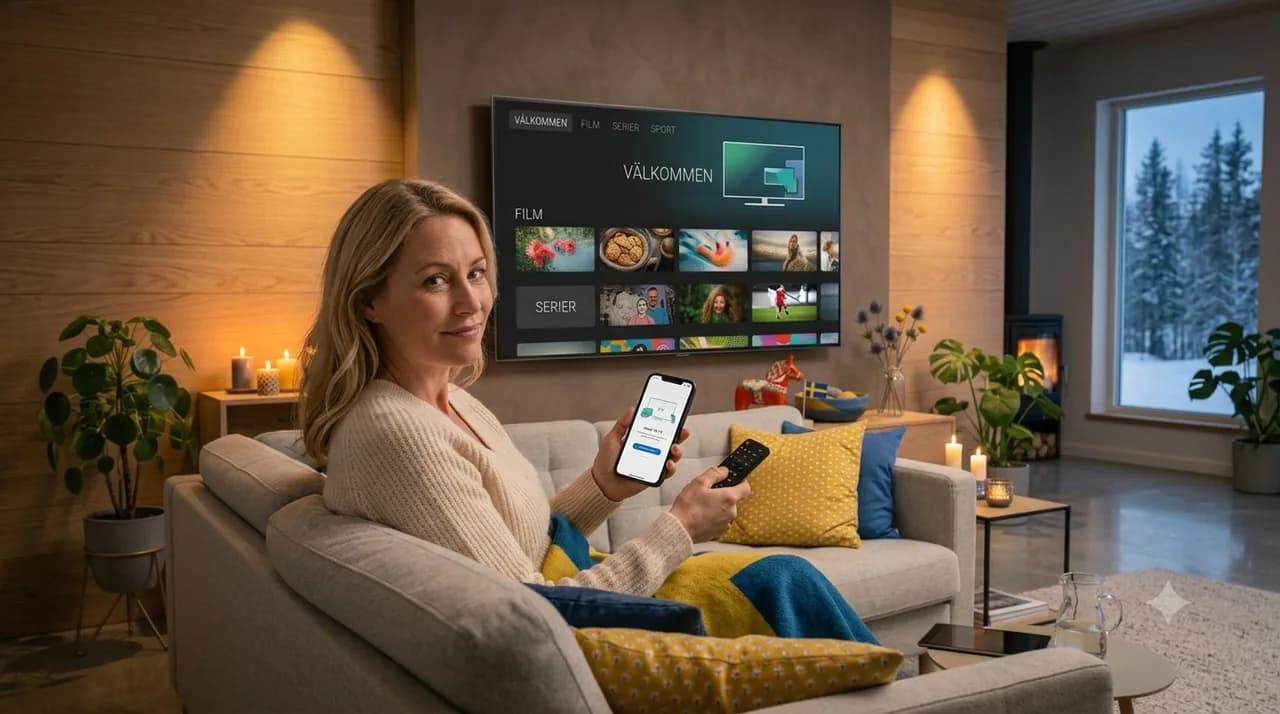
Is IPTV hard to start with?
No, most people are up in under 5 minutes.
What do I need?
Internet and a device you already own.
Must I buy a box?
No, a Smart TV or phone is enough.
Can I try safely?
Yes, with a 14-day refund right.
Starting with IPTV is easier than it looks. If you've ever installed an app and logged in, you already have the skills. This friendly guide walks you through the first steps and helps you sidestep the mistakes new users often make.
Your first three steps
- Pick a plan that matches how many screens you'll use at once.
- Install a compatible app on a device you already own.
- Log in with your details and start watching.
Want the full picture first? Our reference guide on what IPTV is explains the basics, and how to get IPTV covers each step in detail.
Common beginner mistakes (and easy fixes)
- Too few devices — count the screens at home and pick the right plan.
- Weak wifi — use an Ethernet cable for TVs and boxes when you can.
- Slow connection — aim for 15–25 Mbps for 4K.
- Typos in details — copy-paste your M3U link or Xtream Codes carefully.
A few tips that help a lot
Keep your app and device updated, restart your router if things feel sluggish, and start on the device you'll use most so setup feels natural. With 43,000+ channels and 240,000+ titles, take a few minutes to explore the categories you care about.
What surprises most beginners
Two things tend to catch new users off guard, in a good way. The first is how much there is to watch — the library is broad enough that the real challenge is choosing, not finding. The second is the freedom: there is no installer, no contract and no equipment to rent, so if it is not for you, you simply do not renew. For anyone used to traditional TV packages, that flexibility feels refreshingly different.
Your first week with IPTV
Give yourself a few days to settle in rather than trying everything at once. Spend the first evening just browsing the categories you care about and marking favourites. Over the next day or two, try it on a second device so you know it works where you watch most. By the end of the week the app will feel as familiar as any other, and you will have shaped it around your own habits.
Start with confidence
Because there's a 14-day right of withdrawal, you can try IPTV risk-free. Compare plans, order IPTV Nordic, and if you get stuck, the FAQ has friendly answers.
Frequently asked questions
How do I start with IPTV as a beginner?+
Choose a plan, pay, install a compatible app and log in with your details. Most people are up within 5 minutes.
What mistakes do beginners make?+
Common ones are choosing too few devices, using weak wifi instead of a cable, or forgetting to check the internet speed.
Do I need to be technical?+
No. You enter an M3U link or Xtream Codes once, then watch as usual.
What do I do if something doesn't work?+
Check your details and connection, or contact support — most issues are solved quickly.
How long does it take to get used to it?+
Usually a few days. Spend the first evening browsing and marking favourites, and the app soon feels familiar.
What surprises beginners most?+
How much there is to watch, and the freedom of no contract or rented equipment — you only renew if you want to.