IPTV for families – safe viewing on many screens
For families, good IPTV comes down to three things: parental controls so children only see suitable content, support for multiple screens at once so everyone can watch their own thing, and simple kids' profiles. With the right settings, parents, children and grandparents can all use the same subscription on their own devices.
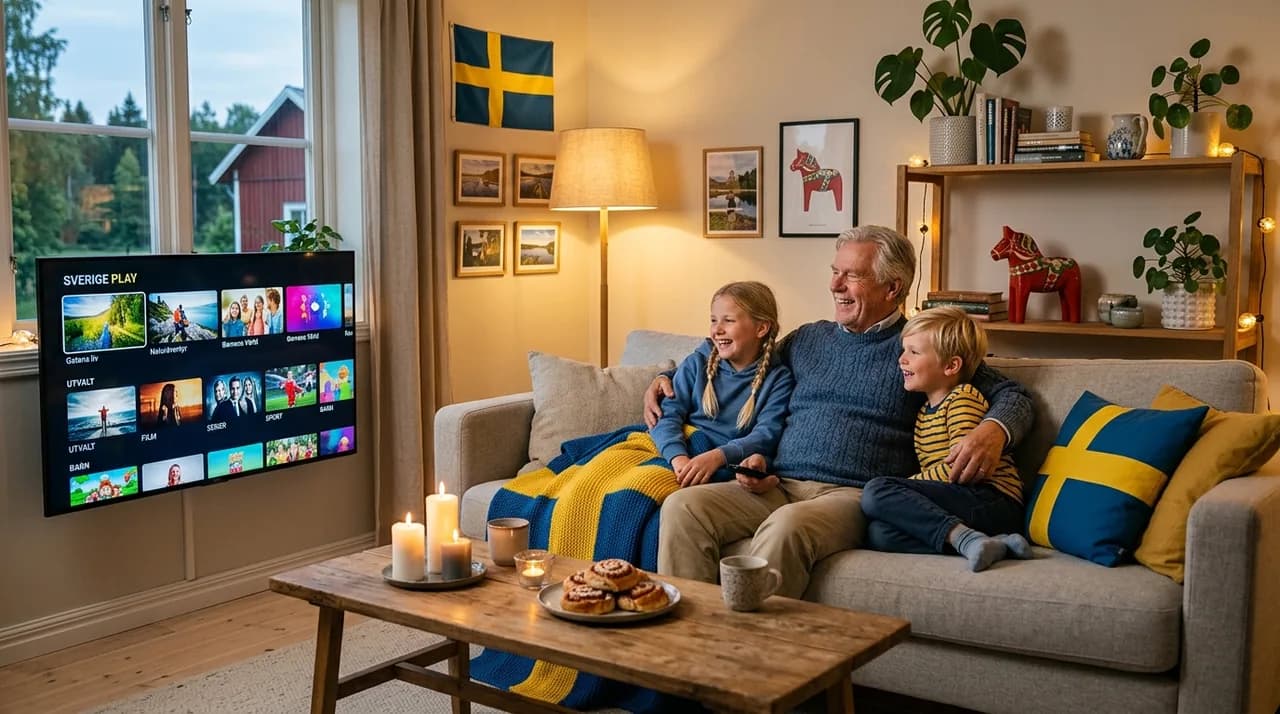
Multiple screens?
Yes, depending on the plan you choose.
Kids' profile?
Recommended – its own favourites and history.
Parental controls?
Lock content with a PIN and age rating.
Family plan?
See /pricing for multi-screen plans.
A family doesn't watch the way one person does. The kids want their cartoons, a teenager wants something else entirely, and the adults want the evening to themselves once everyone's in bed — often all at the same time, on different screens. Good IPTV for a household isn't about one more channel; it's about three practical things working together: keeping children's viewing safe, letting several screens run at once, and giving everyone a space that feels like theirs. Here's how to set that up calmly.
Why families choose IPTV
The appeal is mostly about flexibility and simplicity. One subscription covers the whole home instead of a box per room, it works on the devices you already have, and it arrives as a single bill rather than a tangle of add-ons. For a busy household, "everyone watches what they want, on their own device, under one account" is the whole pitch — and it genuinely delivers when you pick the right plan.
Parental controls – locking what isn't for kids
This is the part parents care about most, and it's reassuringly simple. In the app's settings you'll find parental controls: set a PIN code and an age limit, and anything above that limit asks for the code before it opens. Choose a PIN the children won't guess (not a birthday), and you've put a quiet, dependable gate between curious hands and grown-up content. It takes a couple of minutes and it's the first thing worth doing on a family setup.
Kids' profiles – their own corner
A separate profile for the children does two jobs at once. It keeps their favourites, history and recommendations away from the adult side, so nobody's evening list fills up with cartoons — and it makes the app feel friendly and uncluttered for a young viewer. Pair a kids' profile with the PIN-protected age limit and you get the best of both: easy for them, safe for you.
Multiple screens at once – how many you need
This is the setting families most often get wrong, in both directions. The number of screens you can watch simultaneously depends on your plan, so the trick is to count honestly: on a normal evening, how many people watch different things at the same moment? Two children and two adults rarely all watch separate streams at once — but if yours do, plan for it. Pick a plan that matches your real peak, not your theoretical maximum, and you won't pay for screens you never use or run short on a busy night.
Safety and screen time – practical tips
- Set the PIN once, together — so both parents know it and the kids don't.
- Use the kids' profile by default on shared tablets and the children's TV.
- Agree on screen-time habits — the tech helps, but a simple house rule does more.
- Check the age limit after big app updates, in case a setting resets.
None of this needs to be heavy-handed. A PIN, a kids' profile and a shared understanding of when screens go off cover almost every family's needs without turning movie night into a negotiation.
Which plan suits a family?
Start from how you actually watch: the number of simultaneous screens is the deciding factor, with everything else (devices, profiles, controls) available regardless of plan size. If you're not sure which devices to put in each room, our best IPTV devices of 2026 post helps you match a stick, box or TV to each viewer. When you've got a sense of your peak, see what's available, compare plans and order IPTV Nordic — and with a 14-day right of withdrawal, the whole family can try it before you commit. Questions? The FAQ has friendly answers.
Frequently asked questions
Can children have their own profile?+
Yes. A kids' profile keeps their favourites, history and suggestions separate from the adults', so the app feels safe and simple for them.
How do I lock adult content?+
Turn on parental controls in the app and set a PIN plus an age rating. The code is then required to open anything above that limit.
How many screens work at once?+
It depends on the plan. Count how many people usually watch different things at the same time and choose accordingly – often two to several screens.
Does it work on tablets?+
Yes. The same subscription works on tablets, phones, smart TVs and boxes, so children can watch on their device and adults on theirs.
Which plan suits a family?+
One with enough simultaneous screens for how you actually watch. Check the price list and choose by the number of concurrent viewers.