IPTV without an extra box – straight on your smart TV
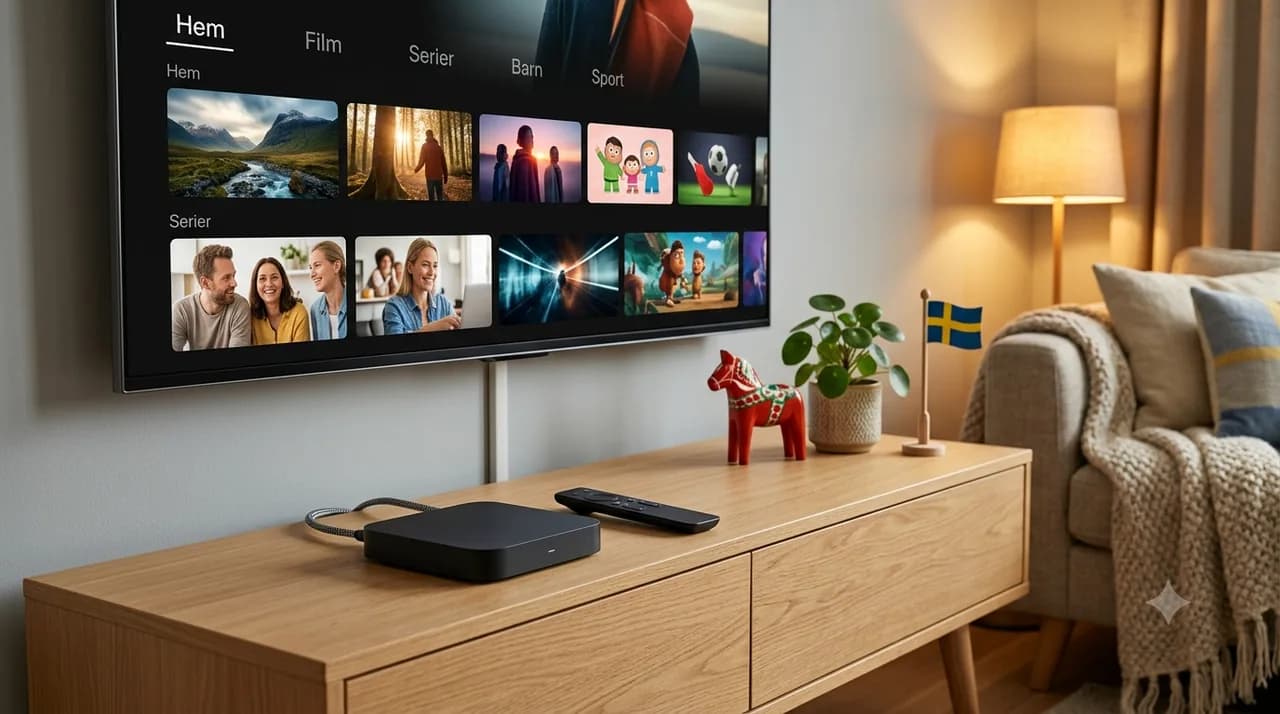
If you have a newer smart TV, you can often run IPTV straight through an app on the TV – without buying an extra box or stick. That's enough for most people who want a simple setup with no extra gadgets. An external box only pays off if your TV is older, lacks app support, or feels slow.
Works directly?
Yes, on a newer smart TV via the app.
What do you skip?
Buying an extra box or stick.
When does a box pay off?
Older, slow or app-less TV.
Time needed?
Usually about 10 minutes.
There's a quiet assumption that getting into IPTV means buying a little box or stick to plug into the TV. Often, you don't. If your smart TV is reasonably recent, the app can run directly on the TV — no extra gadget, no extra purchase, nothing new to find a socket for. This post is about that no-hardware route: when your TV is all you need, how to set it up, and the honest cases where a box still earns its place. (If your TV has the app store but not the app, that's a different situation — our smart TV without the app post handles that one.)
When is your smart TV enough on its own?
It comes down to three things: age, app support and performance. A smart TV from the last few years, with a working app store and enough speed to feel responsive, will usually run IPTV beautifully on its own. If your TV opens its existing apps quickly and the store has what you need, that's your answer — you're already holding all the hardware required.
How to install IPTV straight on the TV
The process is refreshingly short. Open your TV's app store, install the IPTV app, open it, and log in with your details — that's the whole job, usually in about ten minutes. Connect the TV to your network first (an Ethernet cable beats wifi where you can reach), and spend a couple of minutes setting favourites once you're in. No installer, no cabling, no second remote to lose.
The upside of skipping the box
Two things, mainly: cost and simplicity. You spend nothing extra, and you keep your setup clean — one screen, one remote, one less device drawing power and gathering dust. For anyone who just wants to watch without becoming a home-cinema technician, running the app straight on the TV is the path of least resistance, and it's genuinely all most people need.
The downsides – when the built-in app falls short
It's not always the right call, and it's worth being honest about that. On an older TV, the built-in app can feel sluggish — slow menus, longer loading, the occasional stutter that's the TV's processor struggling rather than your connection. Some older sets also stop getting app updates over time. If your TV already feels slow in its other apps, IPTV won't magically run faster, and that's the signal that hardware might help.
When does an external box still pay off?
A stick or box earns its keep in clear cases: your TV is too old for the app, its store doesn't have it, it's noticeably slow, or you simply want a snappier, smoother experience than the built-in app delivers. In those situations a modest external device gives an ageing TV a new lease of life for a small one-off cost. If you reach that point, our best IPTV devices of 2026 post helps you pick one — but plenty of readers never need to.
Quick tips for the best performance in the TV app
- Wire it up — Ethernet to the TV is steadier than wifi where possible.
- Close background apps — free up the TV's memory for smoother playback.
- Keep the TV updated — software updates often improve app speed.
- Restart occasionally — a weekly reboot keeps an older TV feeling fresh.
For most newer smart TVs, the box is optional and the app is all you need — which is the cheapest, tidiest way in. For the full on-screen setup, our Smart TV guide walks each step. Ready to try it on the TV you already own? Compare plans and order IPTV Nordic.
Frequently asked questions
Do I need a box for IPTV?+
Not if your smart TV is reasonably new and supports the app. Then you run it straight on the TV. A box is only needed when the TV isn't enough.
Does IPTV work straight on the TV?+
Yes, on most newer smart TVs you install the app directly and log in – no extra hardware required.
When does a box pay off?+
When your TV is older, lacks app support, feels slow, or you want a faster, smoother experience than the built-in app gives.
Is the TV's built-in app just as good?+
Often yes, on newer models. On older TVs the built-in app can be sluggish – then a stick or box gives a noticeable lift.
What do I do if the TV is slow?+
Close background apps, restart the TV and keep the software updated. If that doesn't help, a cheap stick is often the simplest fix.