Switching from cable TV to IPTV – step by step
Switching from cable TV to IPTV takes four steps: test IPTV in parallel first, check your notice period, cancel cable with the right timing so you avoid paying for both, and return any rented equipment. A trial period lets you compare stability before you cancel anything.
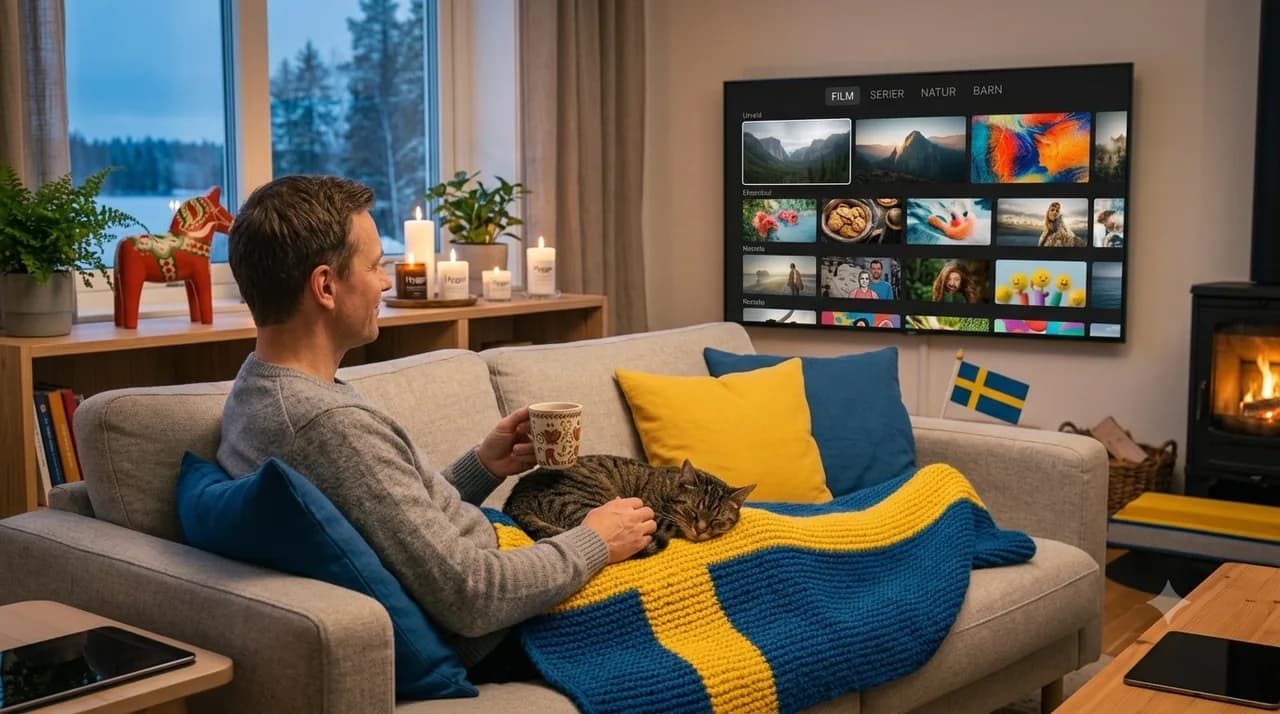
The steps?
Test → check lock-in → cancel → return box.
Refund right?
14 days to try before you commit.
What do you avoid?
Double costs, with the right timing.
Rented box?
Return it per your contract after cancelling.
Deciding to leave cable for IPTV is the easy part. The bit that trips people up is the changeover itself — the cancellation, the timing, the rented box gathering dust — because nobody wants to pay two TV bills at once or be left without a picture for a fortnight. The good news is that a clean switch is mostly about order and timing, not luck. This is the practical process, step by step. If you're still weighing the decision, our IPTV vs cable TV comparison and the yearly cost breakdown cover the "why"; here we focus entirely on the "how".
Before you switch – test in parallel
The single smartest move is to overlap, briefly. Rather than cancelling cable on a Monday and hoping IPTV feels right by Tuesday, run IPTV alongside your existing setup for a short stretch. It costs you a little overlap, but it buys something valuable: proof. You get to watch in your own home, on your own connection, at your own busy times, and confirm the picture and stability before anything is final. With a 14-day right of withdrawal, that test window is effectively risk-free.
Check your lock-in and notice period
Before you touch anything, read your cable contract for two numbers: any remaining lock-in period and the notice period for cancellation. These decide your whole timeline. A notice period of one to three months is common, and if you're still inside a lock-in, you may need to wait or weigh an early-exit fee against the monthly saving. Knowing these two figures turns the switch from a guess into a plan.
Right timing – don't pay for both
Here's the sequence that avoids double costs. First, get IPTV working and confirm you're happy with it. Then, count back from the date your cable contract can actually end (today plus the notice period), and give notice so the cable service stops as soon as it's allowed. Done this way the only overlap is your short, deliberate test — not weeks of two full bills. The order matters: secure the new before you release the old, but cancel the old the moment the new is proven.
Cancelling cable TV (and the rented box)
When you call to cancel, be specific: ask for the exact end date, request written confirmation, and ask what must be returned. Most cable boxes are rented, and an unreturned box often means a charge, so find out where and by when to send it back. If you bought your equipment outright, it's yours to keep or recycle. A two-minute checklist on that call saves a surprise fee later.
Getting started with IPTV
This is the part that surprises people with how easy it is. There's no installer visit and no new cabling — you use a device you already own or a small stick, install the app, and log in. Within minutes you're watching. Spend the first evening setting favourites and learning the layout, and by the end of the week the new setup feels completely normal.
Common worries about switching – and the answers
- "Will I lose service in between?" No — you start IPTV before cable ends, so there's no gap.
- "Is it hard to set up?" No installer, no cabling; it's an app and a login.
- "What if I don't like it?" The 14-day withdrawal right means you can step back during the test.
- "Will I get stuck with a box fee?" Not if you return rented equipment as agreed.
Switching is far less dramatic than it sounds once it's broken into steps: test, check, time it, cancel, return. Do them in that order and the change is smooth and cost-free of nasty surprises. Ready to line it up? Compare plans, order IPTV Nordic, and if anything's unclear the FAQ has friendly answers.
Frequently asked questions
Can I test IPTV before cancelling cable?+
Yes, and it's wise. Run IPTV in parallel for a short period so you can compare picture and stability in your own home before cancelling anything.
How long is the cable TV notice period?+
It varies by contract – often one to three months, sometimes with a lock-in. Read your contract or ask the provider before planning the switch.
How do I avoid paying for both at once?+
Time the cancellation against the notice period. Start IPTV first, count back from when the cable contract actually ends, and the overlap stays minimal.
Do I have to return the box?+
Rented equipment usually has to go back, or a fee may apply. If you own the box you keep it. Check what your contract says.
How quickly am I up and running on IPTV?+
Usually within a few minutes of activation – install the app on a device you already own and log in.