EPG setup – getting an accurate channel guide
The EPG (Electronic Program Guide) is your electronic channel guide showing what's on now and later. If it's missing or shows the wrong times, it's usually down to the wrong time zone, an EPG source that hasn't loaded, or an app that needs to refresh the guide. Most EPG problems are solved in a few minutes in the app's settings.
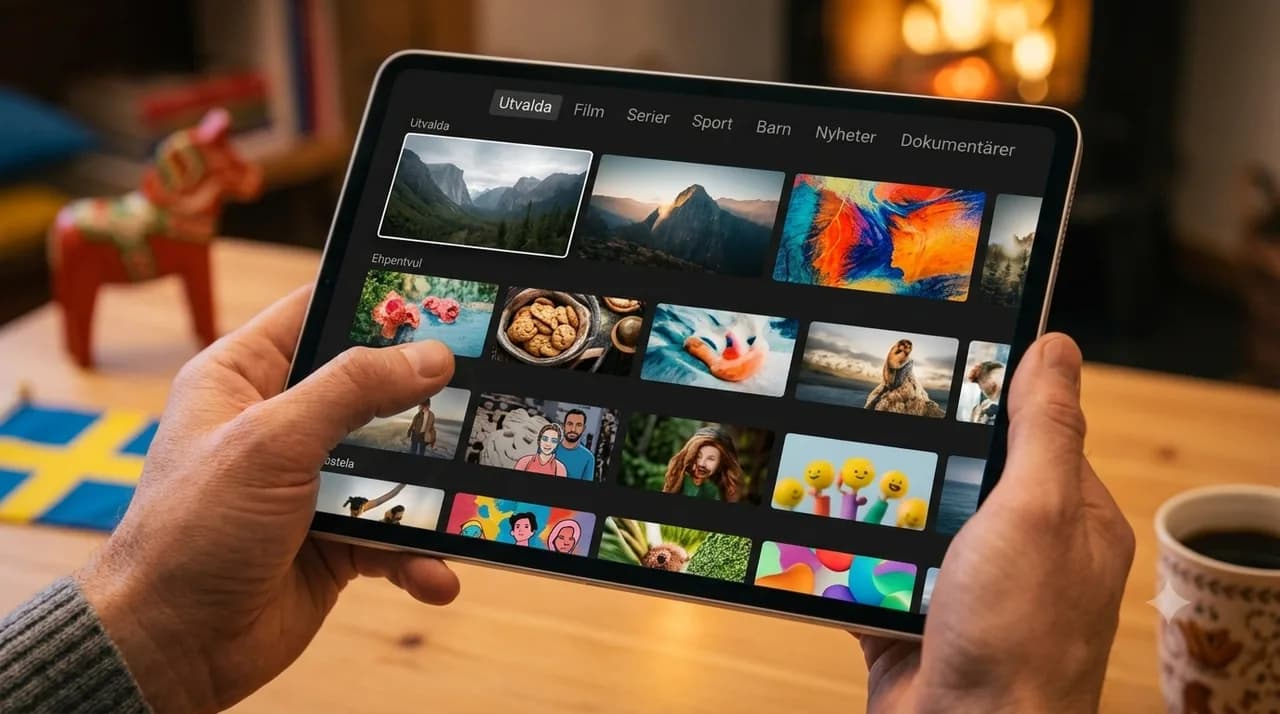
What is EPG?
Your electronic channel guide in the app.
Most common fault?
Wrong time zone, so the times look off.
Quick fix?
Reload the EPG source and reopen the guide.
Time needed?
Usually 2–5 minutes.
A channel guide that's blank, or showing programmes an hour off, makes a good IPTV setup feel half-finished. The good news is that the EPG is one of the most forgiving parts of IPTV to fix — almost every problem comes down to one of three small things, and all three live in your app's settings. This is a practical, step-by-step walkthrough of setting the EPG up and clearing the common faults. If instead you already have a working guide and just want to get more out of it day to day, our companion post on getting more from the EPG covers the habits side; here we focus purely on setup and fixes.
What the EPG is, and why it's worth getting right
EPG stands for Electronic Program Guide — the on-screen schedule that shows what's on now and what's coming next. It's what turns a flat list of channels into something you can actually browse and plan around: see what's starting soon, line up your evening, and on apps that support it, jump back to recent catch-up. When it works, you barely think about it. When it's wrong, every channel feels harder to navigate, which is exactly why a few minutes of setup pays off.
Step 1: Turn on the EPG in your app
Most apps enable the guide automatically, but if yours doesn't, the switch lives in settings. Look for an "EPG", "Guide" or "Program guide" section, make sure it's enabled, and give it a moment to pull the schedule the first time. On a fresh install the channel list often needs to finish loading before the guide populates — so if it looks empty at first, that's normal; wait a minute and reopen it.
Step 2: Fix the wrong time zone (the most common problem)
If your guide shows programmes shifted by an hour or more, the culprit is almost always the time zone — not the data. Two things to check: your device's clock and time zone, and any time-zone or time-offset setting inside the app. Set both to match where you actually are, reopen the guide, and the listings snap into place. This single fix resolves the large majority of "EPG shows the wrong time" complaints.
Step 3: EPG missing completely – reload the source
A blank guide usually means the EPG source hasn't loaded. In settings, find the option to refresh or reload the EPG (sometimes called "update guide" or "reload data"), trigger it, and let it finish — it can take a moment to pull the full schedule. Pair that with a stable connection while it loads, and the guide fills in. If it's still empty afterwards, a quick app restart nudges it along.
Step 4: EPG shows the wrong programmes – refresh and cache
Sometimes the guide loads but shows yesterday's listings or stale data. That's a refresh-and-cache issue. Trigger a manual EPG update, and if the old data sticks, clear the app's cache (not your account — just the temporary data) and let the guide rebuild. Think of it as asking the app to fetch a fresh copy rather than reuse an old one.
Tips for a faster, tidier guide
- Favourite your channels so the guide opens on what you actually watch.
- Let the list finish loading before judging an empty guide.
- Keep the app updated — guide handling improves with new versions.
- Restart weekly if your guide tends to drift over time.
Setting up the EPG is one of those small jobs that makes everything after it easier — every channel becomes something you can plan around rather than stumble into. If you're still finding your feet with IPTV generally, our beginner's guide walks through the basics, and the Smart TV guide covers the on-screen setup. When your guide is humming, compare plans and order IPTV Nordic to make the most of it. You can also look up any term, including EPG, in our glossary.
Frequently asked questions
What does EPG mean?+
EPG stands for Electronic Program Guide – the electronic schedule showing what's on now and later, right inside your app.
Why does the guide show the wrong time?+
Almost always the wrong time zone. Check that the app's and device's time zone match where you are, and the times correct themselves.
Why is the EPG missing entirely?+
Usually the EPG source hasn't finished loading. Reload the source in settings, wait a moment, and reopen the guide.
How often does the EPG update?+
EPG data refreshes regularly in the background. If you see stale information, a manual reload or clearing the app's cache can help.
Can I schedule recordings via the EPG?+
In apps that support it, you can flag upcoming programmes from the guide. Support varies by app, but the EPG is always the starting point for planning.